Company and Technician Information
The Company Information page contains fields for use in generated outputs where applicable.
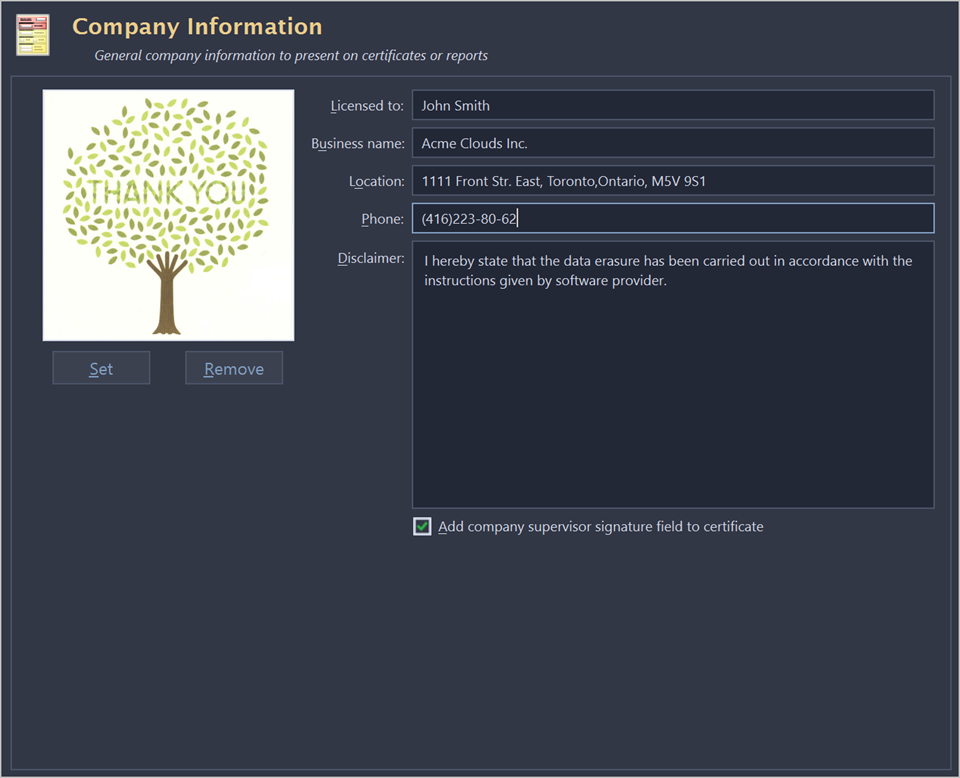
To specify a Company Logo image use the Set button. Select a desired logo image file. Most of the image formats are supported: JPEG, TIFF, BMP and PNG. The logo is previewed in the Company Logo space.
It is recommended to use company logo with resolution suitable for printing (300dpi) with a side not exceeding 300px.
Add company's information to the related fields: Licensed to, Business name, Location, Phone, Disclaimer.
When the Add company supervisor signature field to certificate check box is marked the related field is added to the certificate.
The Technician Information page contains specific technician information for generated outputs where applicable.
Type Operator name and Comments to the related fields.
When the Add technician (operator) signature field to certificate check box is marked the related field is added to the certificate.