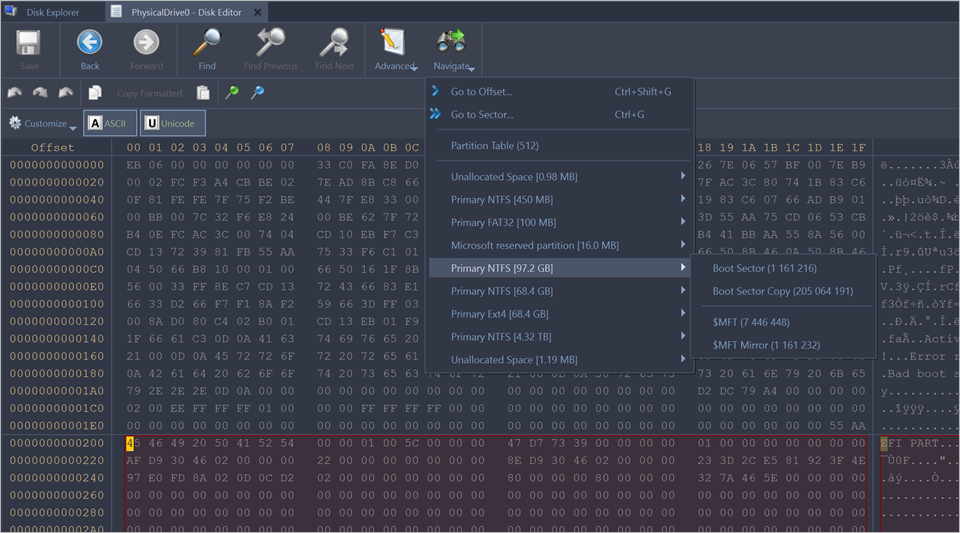
To navigate to the disk system records of a Physical device Navigate button in the
toolbar. Depending on the partition scheme and contents of the physical disk you are editing, the Navigate menu
will contain different options.
Figure 1 : Example. Navigate Menu SelectionsNavigating basic disks
After the Go to Offset and Go to Sector items there is a Partition table Sector Master Boot Record (MBR) Templates (Patterns)
If the disk is not empty, the names of the Partition Partition Table menu item.
Navigating dynamic disks
For Dynamic Disk
LDM LDM Primary TOC Block
LDM Backup TOC Block
LDM VMDB Block
LDM KLog
LDM First VBLK Block
After each access point a sector number is specified in the brackets.