Navigate a Logical Drive
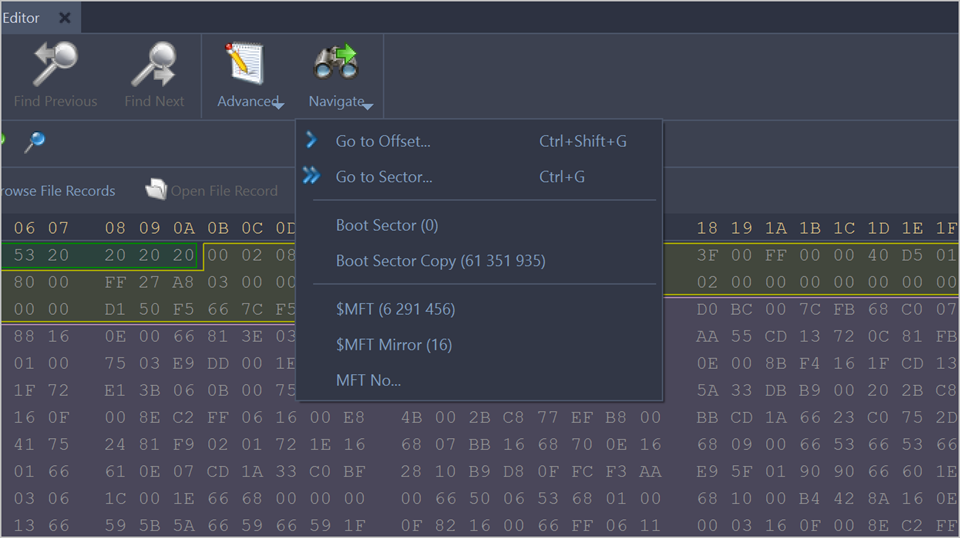
To navigate to the disk system records of a logical drive, click on the Navigate button in the toolbar.
Depending on the File system present in a Logical drive, the navigation menu will have different access points.
- Boot Sector
- Boot Sector Copy
- MFT or MFT records (Master File Table)
- $MFT Mirror
- Arbitrary MFT record
- Boot Sector
- Boot Sector Copy (FAT32 only)
- FAT1
- FAT2
- Root directory
- Boot Sector
- Boot Sector Copy
- FAT
- Root Directory
- Volume Header
- Volume Header Copy
- Superblock
- Superblock
Some of the access points when used automatically select a corresponding Templates (Patterns). For example, if a boot sector access point is selected, a Boot Sector template is applied to the boot sector offset.